Strip editing and figure layout
Register and sign in to use image display adjustments, merged cells, standard figure export, and project backup and restore.
Stays free after your trialArrange Western blot figures and quantify bands on your computer. Keep complete originals and links between crops and original images, then export figures and source data.
All image processing stays on your computer. Your experimental images are not uploaded to the cloud.
After online verification, use your authorized features offline on the current device for 30 days.
Strip editing and figure layout are free forever after registration. Try all features for 1 month.
First-year offer: US$9.90 for 12 monthsEquivalent to US$0.83/month, once per account.
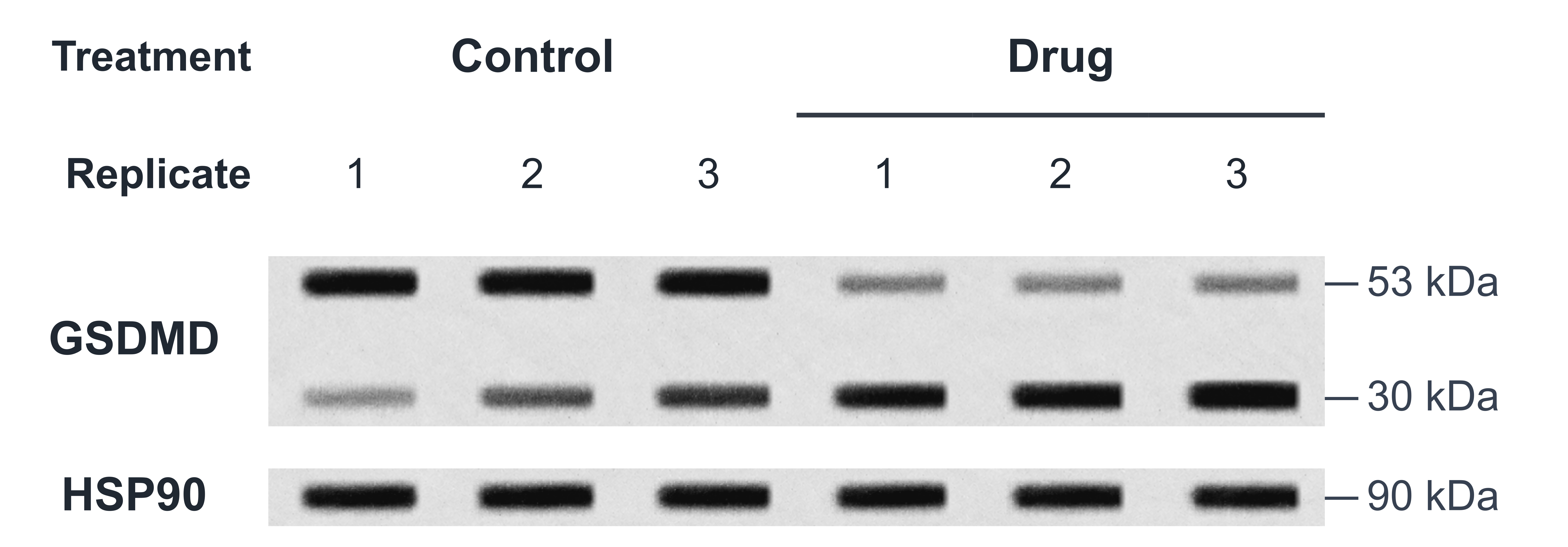
Organize source data for submission by figure
| Protein | White / marker | Signal image | Overlay image | Whole membrane |
|---|---|---|---|---|
| GSDMD1-2 | 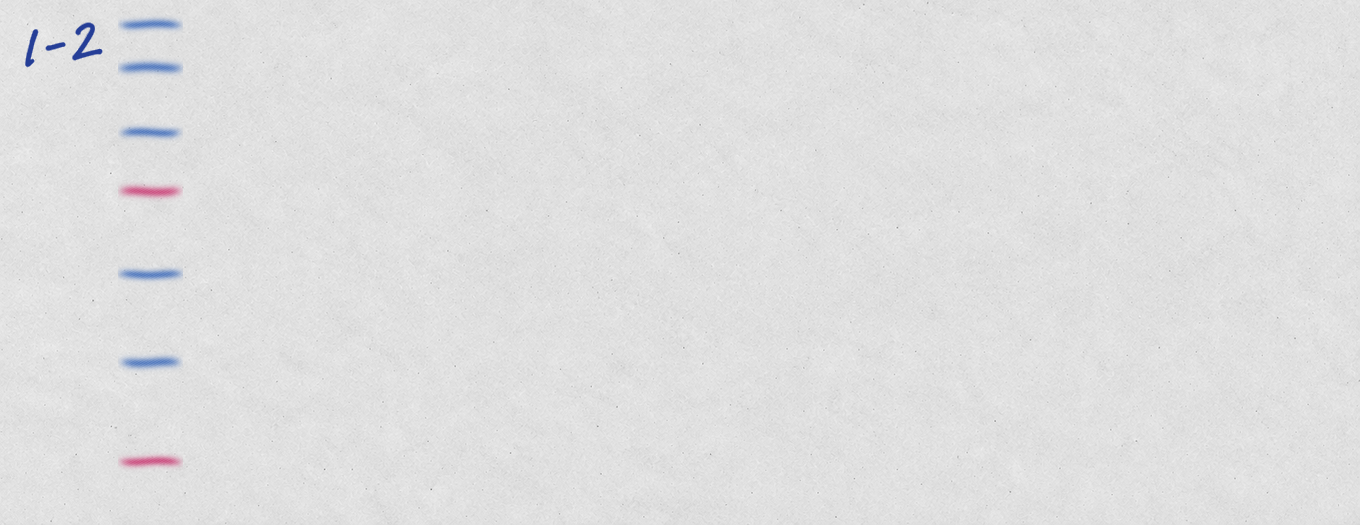 | 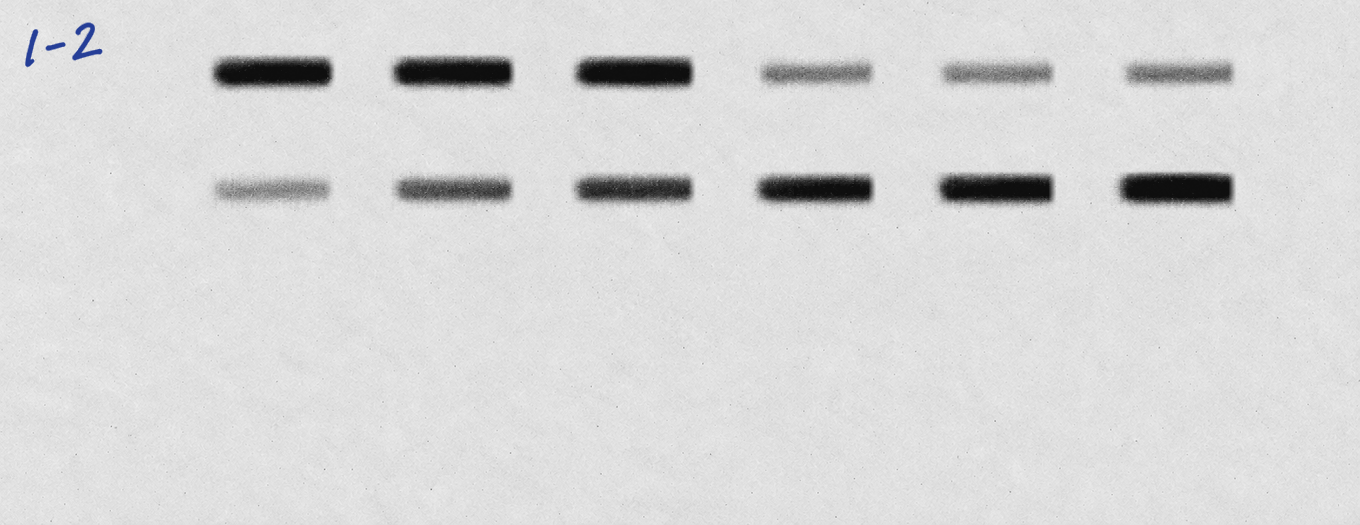 | 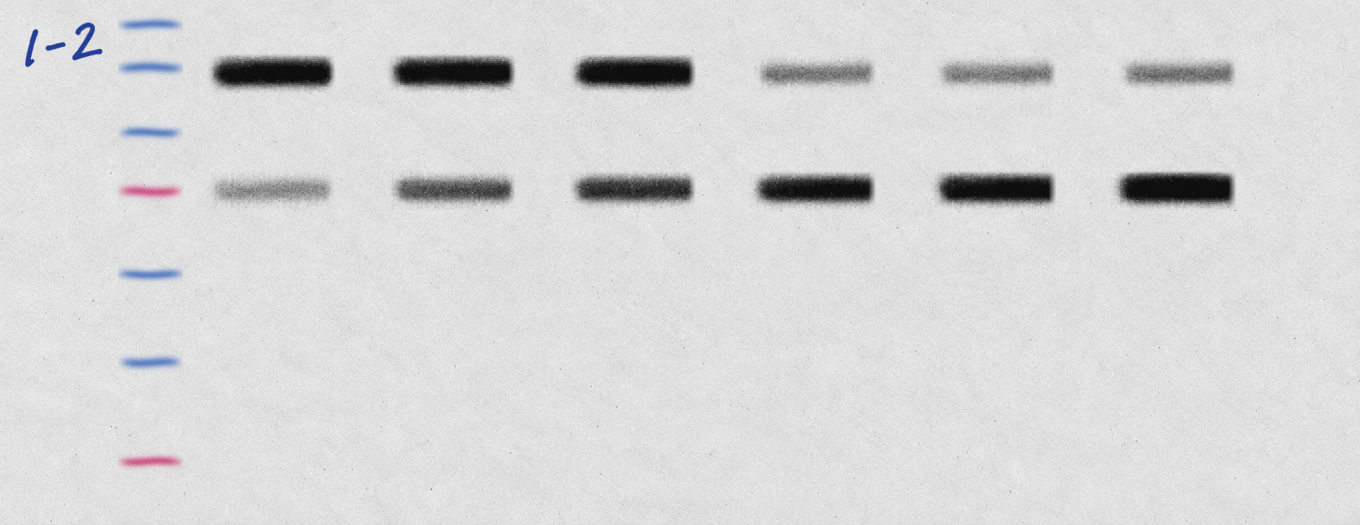 | 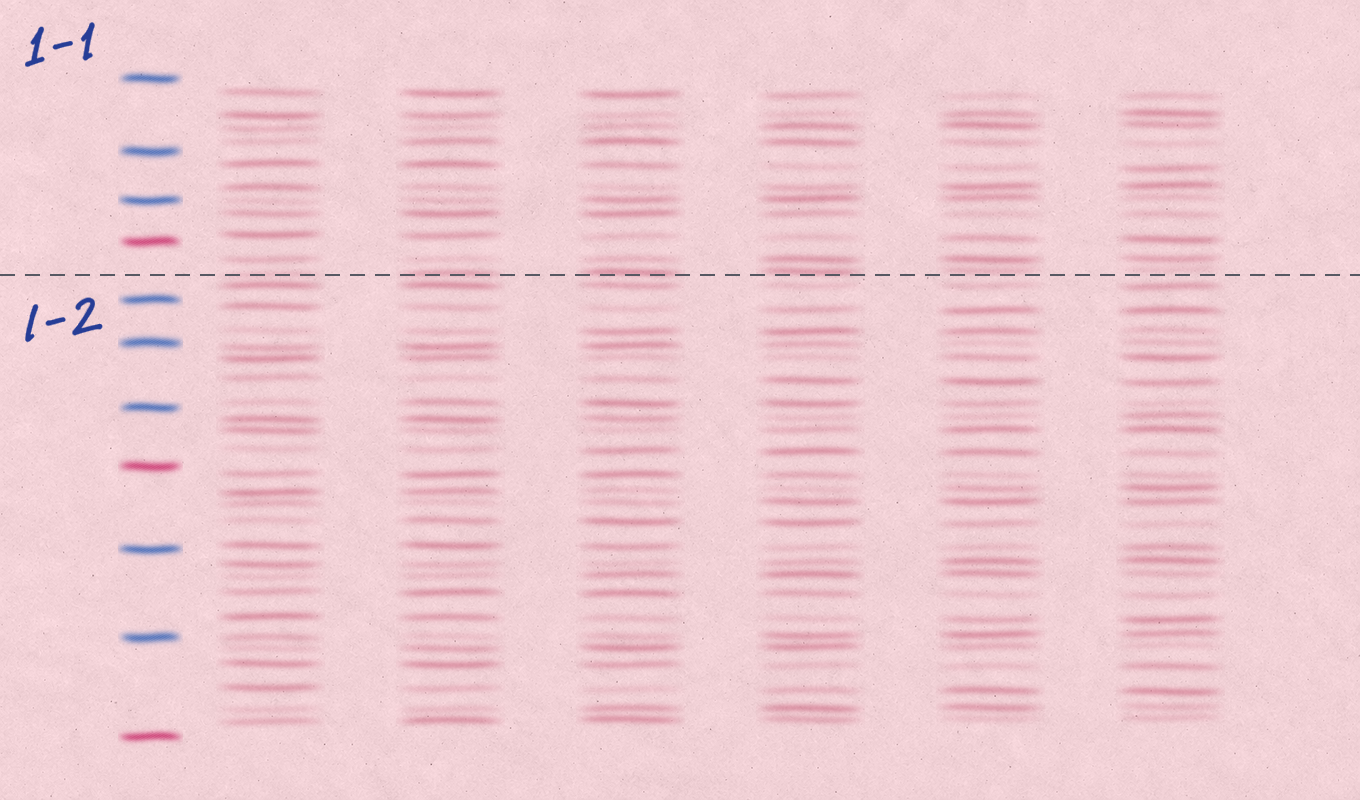 |
| HSP901-1 |  |  |  | 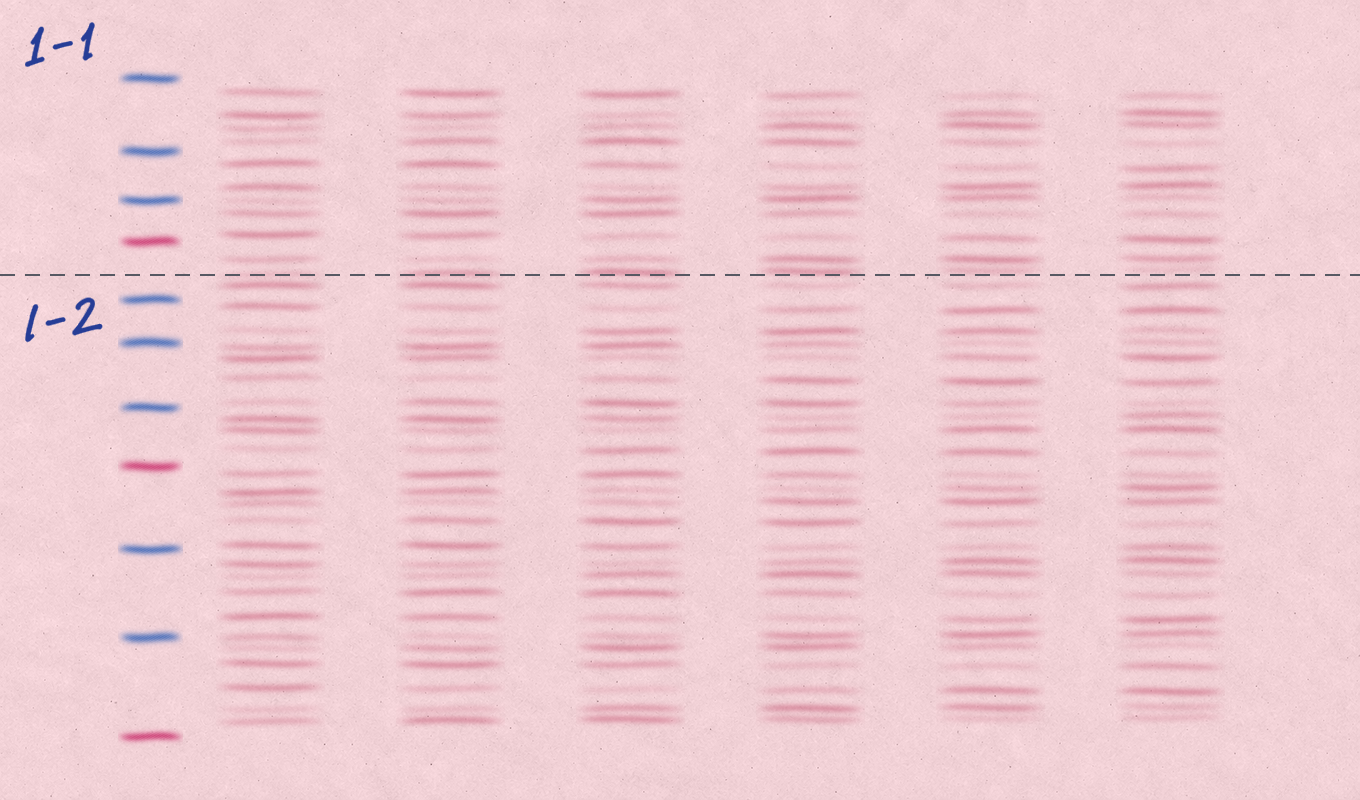 |
Edit bands, build figures, organize source data and quantify results in one workspace. Import antibody records from Excel worksheets or CSV.
Crop bands, add molecular-weight labels and arrange lane conditions and protein labels in a clear figure.
Keep crop dimensions consistent and add black frames to figure strips.
See the steps →
When markers are unclear in the chemiluminescence image (Chemi), use the overlay image (Merge) to locate them and add molecular-weight labels. Saved bands come from the Chemi original.
Link a unique Chemi/Merge pair with matching exposure and dimensions.
See the steps →
Match companion images by filename and organize complete target and reference originals, overlay images and whole-membrane photos. Review the links, then export PDF or PPTX for journal submission.
Customize filename rules. Longer sets paginate automatically.
See the steps →
Import a whole blot and select the target row with background above and below. The software suggests lane divisions. Review the lanes, signals, backgrounds and matching reference, then calculate and export.
No figure is needed first. Confirm the regions, measure original pixels and export Excel.
See the steps →
Receive a reminder when one source image appears in multiple figures. Compare the saved crops and experimental conditions to check for unintended reuse.
Different crops from the same source also trigger a reminder. Review them and decide what to keep.
See the steps →
Register and sign in to use image display adjustments, merged cells, standard figure export, and project backup and restore.
Stays free after your trialIncludes quick analysis, replicate quantification and exports, antibody-table import, and source-data reports. The first trial lasts up to one month, subject to device eligibility. Then choose a term pass, 2.0 permanent license or lifetime access.
View paid plans →Use the website to explore features, download the app and manage your account and license. Image editing and analysis take place in the Windows or macOS desktop app.
Yes. You need one uniquely matched chemiluminescence image and overlay image, with the same exposure and dimensions.
Sign-in and licensing requests do not send experimental images. Contact support with a text message and leave out sensitive experimental material.
Yes. Select Start the guided example on the welcome screen and choose an empty folder. The guide uses a separate example. Practice does not start the trial. When you are ready to work with your own images, select Register for a full-feature trial. For eligible devices, the trial starts when registration succeeds.
Open Guided tour in the app to start again. The guide uses a separate example, not your experimental data, and leaves your original project unchanged. After the first figure export, choose a separate source-data or intensity-analysis lesson if needed.
After successful online verification in 2.1, basic offline access on the same computer lasts up to 30 days. Advanced access ends at the earlier of the trial or paid expiry and that 30-day limit. A 2.x permanent or lifetime license still requires verification every 30 days. Restarting does not renew the allowance. Signing out ends it. Advanced expiry does not delete projects or independent permanent rights.
Yes. Registered 2.0 accounts keep free figure tools, standard export and project backup. Expiry does not delete projects. From 2.0.6, advanced workspaces let you view and retrieve saved results. Export standard quantification history to Excel, or view and copy saved quick and replicate analyses. New measurements, statistics, antibody additions or imports, and new reports still require an active trial or paid license.
A standard account supports two regular computers. If an upgrade or reinstall changes device identification, sign in with the same account to attempt recovery. A temporary recovery slot may be available. Review old devices in your account afterward. Images do not sync at sign-in: back up and transfer the complete .wbfig project when changing computers.
Yes. Any standard purchase leaves the original first-trial offer available until its original deadline, if unused. A monthly plan can be credited once within 30 days of payment. After that, an eligible account can still buy the offer at full price and append the term.
Register with your email and password. If the device is eligible, a full-feature trial of up to one month starts at registration, with no activation code or card required. Sign in to the desktop app with the same account. Its device trial history is checked too. Changing email or unlinking a device does not restart the clock. Each account may purchase the launch-year offer once during its trial.